LinkedIn B2B Lead Generation Guide: How to Extract High-Converting Prospects from Viral Posts with LeadExport Pro
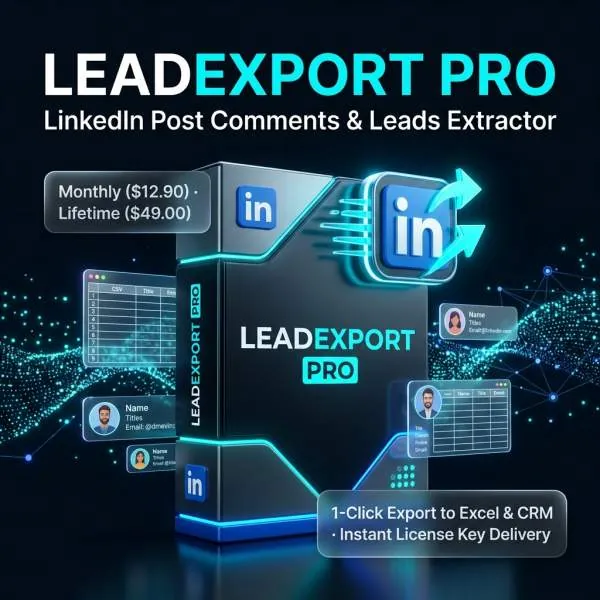
LeadExport Pro for LinkedIn – Post Comments & Reactions Leads Extractor (Chrome Extension)
LinkedIn B2B Lead Generation: How to Extract Ready-to-Buy Prospects in Minutes
A complete growth hacker’s playbook on turning viral LinkedIn post comments and reactions into verified sales leads using LeadExport Pro.
Traditional outbound email scraping from cold LinkedIn searches often results in outdated contact details and low response rates. The highest-converting leads on LinkedIn are active participants—industry professionals who actively like, celebrate, and comment on trending posts within your niche. With
LeadExport Pro for LinkedIn (Chrome Extension),
you can extract these high-intent prospects directly into structured CSV or Excel sheets with one click.
1. Why Post Engagers are 10x More Responsive
- Active Platform Presence: Unlike abandoned LinkedIn accounts, users reacting to posts have logged in recently.
- Explicit Topic Interest: If a prospect commented on a post about “B2B SaaS churn reduction”, you already know their current pain points.
- Personalized Icebreakers: You can reference the specific post and the comment they left, achieving 40%+ cold outreach reply rates.
2. How to Use LeadExport Pro in 3 Easy Steps
- Install & Activate Extension: Install the lightweight Chrome extension from your order delivery package and enter your license key.
- Find a Viral Industry Post: Navigate to any viral post on LinkedIn (such as an influencer discussing your target software or service).
- Click Export Leads: Click the LeadExport Pro button beneath the post. The extension automatically navigates comments and reactions, extracting names, professional titles, company names, profile URLs, and location data into a clean spreadsheet.
3. Account Safety & Anti-Ban Protection
Human-Simulated Browser Scraping:
LeadExport Pro runs locally inside your regular browser session without making illicit background API requests or requiring your LinkedIn password. It employs smart human-delay intervals to keep your LinkedIn account 100% compliant and secure.